Ergonomics & health
Which computer monitor to choose to write without damaging your eyes?
Headaches, blurred vision, insomnia... Inappropriate backlighting is the writer's number one enemy. Whether you plug in a simple laptop or a dedicated AI workstation, discover how to choose a panel designed for long-form text.
Quick summary of our top picks (2026)
| Model | Best for... | Eye-care Feature | Availability |
|---|---|---|---|
| 📐 ASUS ProArt PA279CRV | Professional 4K clarity | Matte anti-glare & 90° pivot | Check Price → |
| 🍎 LG UltraFine 27UP850K-W | The 4K Mac Companion | 4K density for print-like sharpness | Check Price → |
| 👁️ Samsung Essential S3 | Curved budget eye-care | 1800R Curve & Flicker-Free 100 Hz | Check Price → |
🎯 NaNoWriMo 2026 Goal
The November 1-30, 2026 writing challenge often involves writing late at night or very early in the morning to meet your daily quota of 1,667 words. An eye-care monitor is vital to prevent the migraines that could force you to quit before the finish line.
Read the survival guide to win NaNoWriMo 2026 →
Your laptop screen is not enough
If you have invested in a MacBook or a powerful Windows RTX laptop to run your LocalProse writing assistant, you have mobility. But back at your desk, writing for hours on a 13 or 14-inch screen forces your neck to bend and your eyes to constantly focus.
It is vital to connect your machine (or your Mini-PC) to an external monitor that meets these 4 fundamental technical criteria:
1. Matte panel (anti-glare)
Avoid "glossy" screens at all costs as they act like mirrors. Your brain spends an insane amount of energy subconsciously filtering out room reflections to focus on the letters. A matte panel absorbs light and saves you this unnecessary effort.
2. Verticality (ratio)
16:9 panoramic screens are made for cinema or spreadsheets. As a writer, you want height to display two full pages or long chapters without scrolling. Ideally, aim for a 16:10, 3:2, or even 16:18 format.
3. "Flicker-Free"
This is almost non-negotiable. Many screens regulate their brightness with micro-flickers invisible to the naked eye (PWM). This permanent strobe causes terrible migraines after a few hours of writing.
4. Refresh rate
Once reserved for gamers, a 120Hz (or higher) screen is a joy for reading. When scrolling through your text, the letters remain perfectly crisp, preventing the infamous "motion blur" that fatigues the iris.
The best monitors for long-term writing
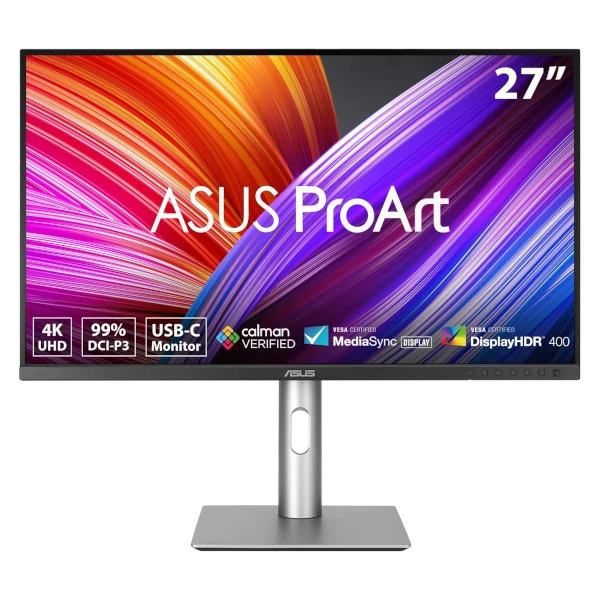
ASUS ProArt PA279CRV (27" 4K UHD)
- Panel: Matte 4K UHD IPS (3840 x 2160), HDR, Flicker-Free
- The technical secret: High 4K pixel density renders fonts with print-like sharpness. Its anti-glare, matte screen surface absorbs ambient light reflections to minimize visual fatigue during long drafting hours.
- The LocalProse perk: Highly ergonomic with full height adjustment and a 90° pivot to switch to vertical orientation—perfect for reading and editing full book pages without scrolling. Features a single USB-C connection with 96W Power Delivery to charge your laptop while displaying your software.
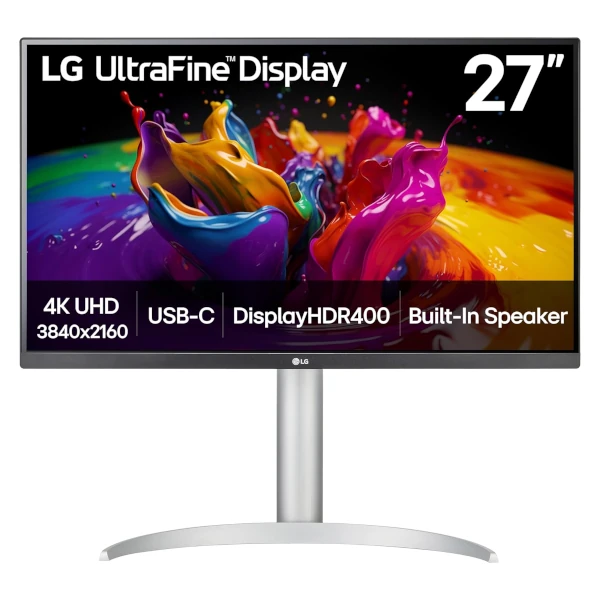
LG UltraFine 27UP850K-W (27" 4K)
- Panel: Matte 4K UHD IPS (3840 x 2160), DisplayHDR 400
- The technical secret: The high pixel density of 4K (163 ppi on a 27-inch display) allows fonts to be rendered with clinical precision, identical to text printed on paper. The curves of your letters will no longer bleed or look pixelated.
- The LocalProse perk: If you write on a MacBook or laptop, this is the ultimate companion. It connects via a single USB Type-C cable that transmits the display signal while providing up to 90W Power Delivery to charge your laptop. Includes full height, tilt, and pivot adjustments.
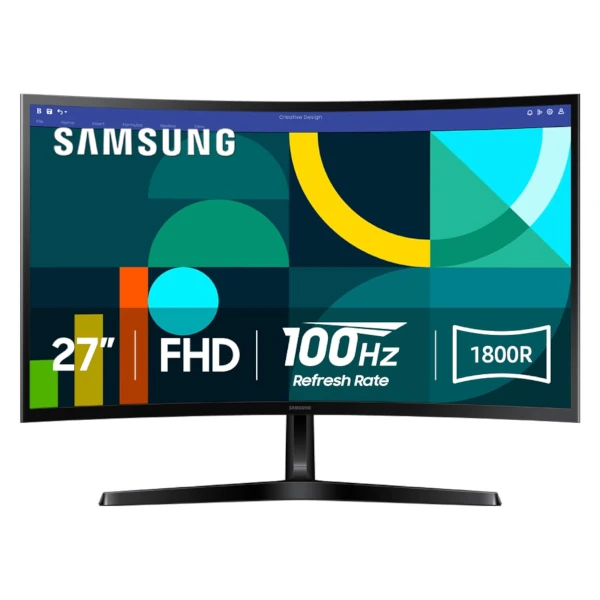
Samsung Essential S3 (27" Curved FHD)
- Panel: 1800R Curved FHD (1920 x 1080), 100 Hz refresh rate
- The technical secret: TÜV-certified Advanced Eye Comfort technology minimizes blue light emissions and reduces screen flicker. The gentle 1800R curve wraps around your field of view to match the eye's natural curvature, reducing peripheral distraction and ocular fatigue.
- The LocalProse perk: A 100 Hz refresh rate ensures smooth, ghost-free text scrolling when proofreading long manuscripts. It offers an accessible solution for writers seeking enhanced visual comfort without spending a fortune on high-end displays.
⌨️ Do not neglect your hands (or your files)
A large screen protects your eyesight, but your wrists endure hundreds of thousands of keystrokes. Don't let tendonitis ruin your productivity.
Discover our selection of the best writer's
keyboards →
And since you are setting up a proper desk, make sure to integrate a local security system for your writing.
Guide: How to back up your manuscript sovereignly
(without the cloud) →
An interface designed for your eyes
Combine the clarity of a matte panel with LocalProse, a sleek writing environment featuring a native dark mode to limit eye strain, while guaranteeing the privacy of your texts against cloud AIs.